How to Payment Your LIC Credit Card Bill?
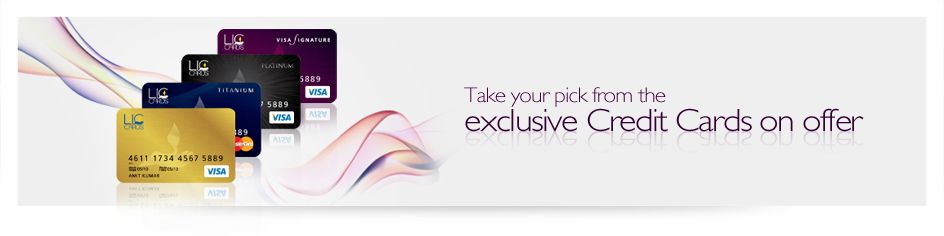

Presenting the Launch of LIC Credit Cards. A partnership between LIC Cards Services Limited (LIC CSL) and Axis Bank Ltd.
LIC Cards Services Limited:
LIC Cards Services Limited came into existence on 11th November, 2008 as a 100% subsidiary of LIC to bring out its own Credit Card in the market. The Company has its registered office at Jeevan Prakash Building, 6th floor, 25. K.G. Road, New Delhi-110001.
LIC Credit Card Bill Payment Steps:
LIC Policyholders – Life Time Free LIC Signature/Platinum Credit Card (powered by Axis Bank)

LIC Credit Card Payment through BILL Desk.
STEP-1:
You can visit the official website of LIC Cards.
Link: LIC Credit Card Bill Payment (Step-1) or http://www.liccards.co.in/index.aspx

STEP-2:
After Clicking on the Link, It will open the below page. Or you can Click the link directly.
LINK: LIC Credit Card Bill Payment (Step-2)

STEP-3:
After, Clicking on the “I Agree”, It will Open the below page..

STEP-4:
Now, Enter your Credit Card details here. After Filling all the details submit for the payment.

After Submit, proceed your payment and DONE.
Here, you will get the successful payment message.

INVEST UPTO 1.5 LACS And Save TAX FY 2022-2023

Difference between Tier 1 and Tier 2 in NPS
Whole Life Insurance Is A Great Asset
About Author

Parinita Sharma
Parinita Sharma is a Certified Financial Planner (CFP) & FS, CS, MDI, PG. She is a member of team Advey. Team Advey is associated member of LIC of India with 100 Professional partners. From last 30 year we are assisting 50,000 families to fulfil their Financial Dream in guaranteed way. At present we are managing the Risk cover of more than Rs.6000 Crore. We are providing need base Solution through financial planning. To Know more about our provided services click on given link... http://mydc.in/?a=7003729563-7 Email: parinitasharma59@gmail.com